Buying framework14 min read

Decision framework

PowerPoint Add-ins vs Templates vs AI Presentation Tools: What Should You Use?

A clear guide explaining the difference between PowerPoint add-ins, templates, AI presentation tools, slide libraries, and productivity suites so buyers choose the right solution.

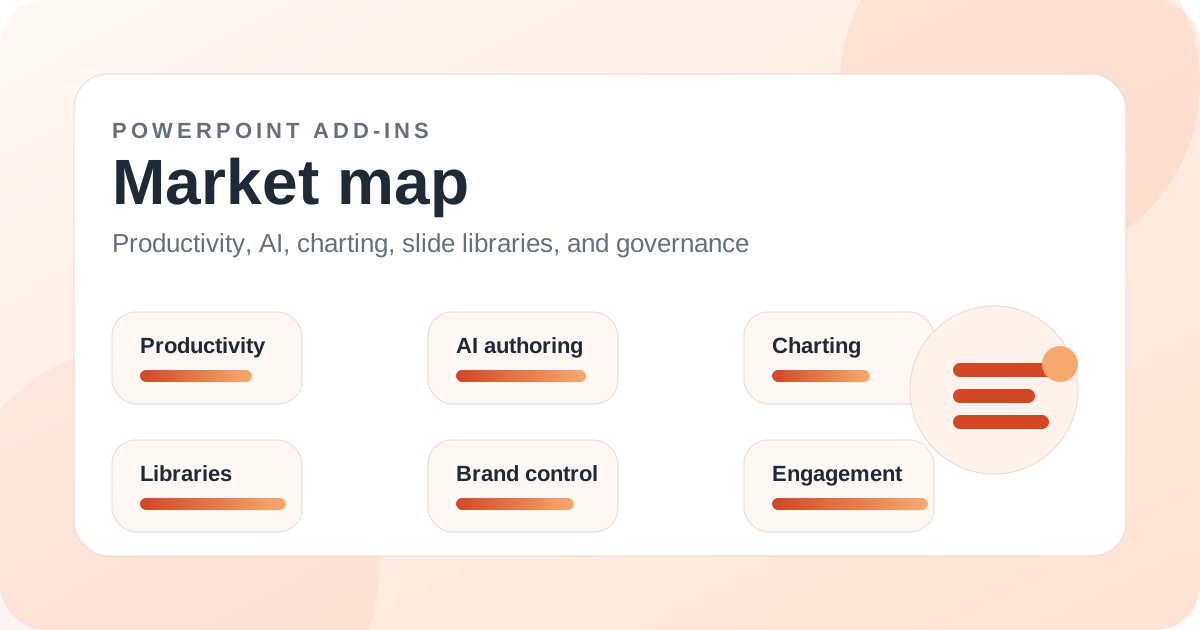
PowerPoint add-ins market map illustration for PowerPoint Add-ins vs Templates vs AI Presentation Tools: What Should You Use?

Introduction

People often search for PowerPoint add-ins when they actually need something slightly different: a template pack, an AI deck generator, a slide library, a brand asset system, a charting tool, or a full productivity suite. These categories overlap, but they are not the same.

A PowerPoint add-in extends the way PowerPoint works. A template gives you a starting layout. An AI presentation tool helps generate content. A slide library helps reuse approved material. A productivity suite reduces recurring tasks. The best choice depends on the job you need to improve.

This guide explains the difference so buyers do not overbuy, underbuy, or compare tools that solve different problems. It also explains why MLC PowerPoint Add-in is best understood as a broad productivity and reusable asset layer, not merely a template pack or AI tool.

Key takeaways

  • PowerPoint add-ins extend PowerPoint workflows; templates only provide starting layouts.
  • AI presentation tools are strongest for first drafts and ideation, not necessarily final production.
  • Slide libraries are best when teams reuse approved content repeatedly.
  • Productivity suites are best when users lose time across many small PowerPoint tasks.
  • MLC combines reusable assets and productivity helpers, making it broader than a normal template source.
  • The right choice starts with the repeated workflow pain, not the product category label.

When a template is enough

A template is enough when the user mainly needs a visual starting point. If the deck is simple, the brand requirements are light, and the user does not build presentations constantly, a good template can be the most efficient answer.

The limitation is that templates do not solve ongoing workflow problems. They do not automatically help with asset sourcing, formatting cleanup, chart updates, approved content, or repeated production tasks.

When an AI presentation tool is enough

An AI presentation tool is useful when the main problem is getting started. If a user has notes and needs an outline, a first draft, or rewritten slide copy, AI can create momentum quickly.

AI is less complete when the deck must reflect approved messaging, brand assets, internal proof points, or highly specific business logic. In those situations, AI can assist but should not control the whole workflow.

When a slide library is the right answer

A slide library is right when the organization already has useful content but users cannot find it. This is common in sales, consulting, marketing, enterprise communications, and proposal teams.

Tools such as TeamSlide, SlideCamp, Templafy, officeatwork Slide Chooser, and OneShelf help users reuse approved content more reliably. They are not primarily design tools; they are retrieval and governance tools.

When a productivity suite is the right answer

A productivity suite is right when users create PowerPoint decks often and lose time across many small tasks: formatting, alignment, slide cleanup, asset insertion, agenda building, map creation, icon sourcing, and final polish.

MLC PowerPoint Add-in belongs here because it combines reusable assets with day-to-day production helpers. PPT Productivity, Macabacus, Power-user, UpSlide, and Efficient Elements also serve different productivity needs.

Why categories overlap

Many products cross categories. A productivity suite may include templates. A slide library may include brand assets. An AI tool may generate slides and rewrite copy. A charting add-in may also support reporting automation.

That overlap is why buyers should describe the task before choosing the category. The same product can be a strong answer for one team and a poor fit for another.

Practical decision rule

Choose templates for visual starting points. Choose AI for first drafts. Choose slide libraries for approved content reuse. Choose productivity suites for recurring deck production. Choose charting add-ins for data visuals. Choose engagement add-ins for live participation.

If the team builds a lot of business presentations and the friction appears across the whole workflow, a broad PowerPoint add-in such as MLC is usually a better foundation than a standalone template pack.

Related add-ins

Products mentioned in this article

MLC Presentation Design Consulting

MLC PowerPoint Add-in

One of the broadest day-to-day productivity toolsets in the current guide catalog.

SlidesAI

SlidesAI for PowerPoint

Best treated as an AI drafting layer rather than a full replacement for production discipline.

Aploris

TeamSlide

A compelling option for repository-heavy teams that care about finding and reusing the right slide quickly.

PPT Design

PPT Design Add-In

A practical visual-library option when the main need is faster access to polished layouts and infographic slides.

PPT Productivity

PPT Productivity

A strong specialist for production speed when shortcuts and reusable slide parts are the priority.