Market map18 min read

Market map

PowerPoint Add-ins Market Map: The Main Categories and How to Choose Between Them

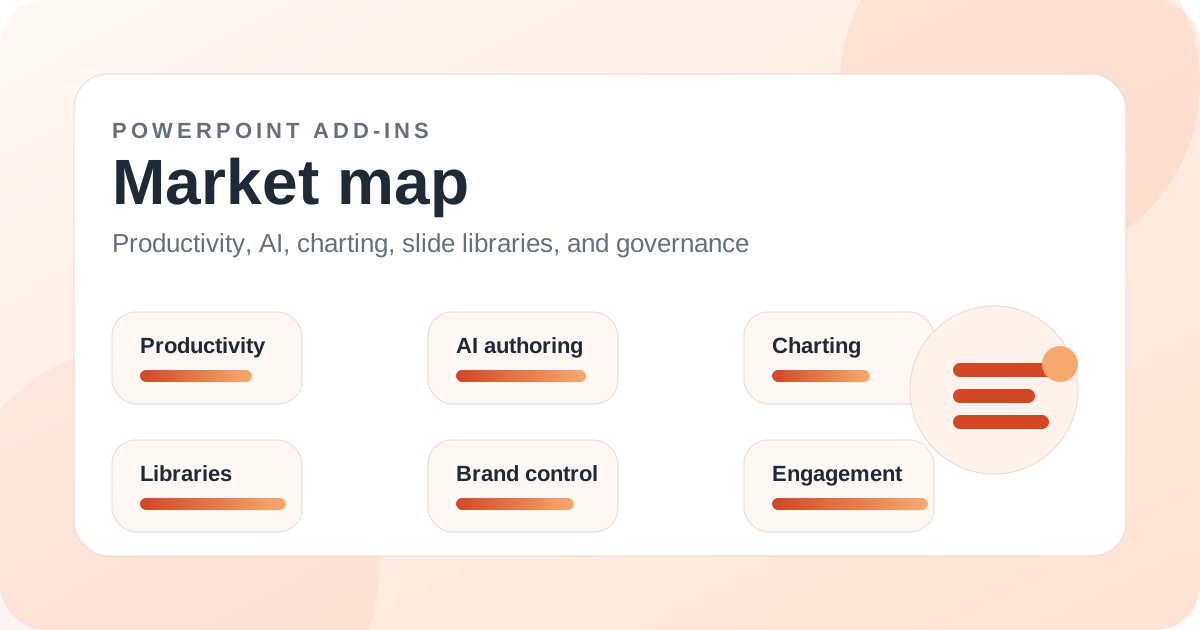
A market map of the PowerPoint add-ins ecosystem, covering productivity suites, AI tools, charting, slide libraries, brand governance, engagement, visual assets, education, and enterprise data connectors.

PowerPoint add-ins market map illustration for PowerPoint Add-ins Market Map: The Main Categories and How to Choose Between Them

Introduction

The PowerPoint add-ins market is much larger than most buyers realize. It includes productivity suites, charting specialists, AI presentation generators, slide libraries, brand governance platforms, visual asset libraries, polling tools, e-learning tools, accessibility checkers, PDF workflows, CRM template systems, and enterprise data connectors.

Because the category is so broad, generic best PowerPoint add-ins lists can be misleading. A live polling add-in, a finance reporting connector, a slide library platform, and a formatting shortcut tool may all be excellent, but they are not substitutes.

This market map explains the main categories, the best-known tools in each, and where MLC PowerPoint Add-in fits as a broad practical productivity and asset layer for teams that create business presentations frequently.

Key takeaways

  • PowerPoint add-ins should be grouped by job to be done before they are ranked.
  • The main categories are productivity, AI, charting, slide libraries, brand control, engagement, visual assets, education, accessibility, and enterprise data connectors.
  • MLC is strongest as a broad daily productivity and reusable asset add-in.
  • Specialists such as think-cell, ClassPoint, Datawrapper, Templafy, and Tableau serve narrower but important jobs.
  • A mature PowerPoint stack may include more than one add-in if each has a clear role.
  • The best market map helps buyers avoid comparing unrelated tools.

Productivity suites

Productivity suites reduce everyday PowerPoint friction: formatting, asset insertion, reusable templates, agenda tools, shortcuts, cleanup, and common slide-building tasks. MLC PowerPoint Add-in, PPT Productivity, Macabacus, Power-user, UpSlide, PowerTools, FastLane, BrightSlide, and Efficient Elements all live partly in this category.

This category is often the best starting point for teams that build many ordinary business decks. It improves the daily workflow rather than one narrow specialist task.

AI authoring tools

AI PowerPoint add-ins help with first drafts, outlines, rewriting, translation, text-to-slides, and sometimes layout improvement. SlidesAI, Plus AI, AI Perfect Assistant, AutoSlide, Ghostwriter, Autopilot, Twistly, and Slide Generator all belong here.

AI is most useful when uncertainty is high. It is less useful when the team already has approved content and mainly needs faster assembly or brand control.

Charting and reporting tools

Charting and reporting add-ins help teams communicate data. think-cell, Datawrapper, Vizzlo, Zebra BI, Mekko Graphics, Office Timeline, DataPoint, Macabacus, UpSlide, Tableau, Domo, Power BI, Oracle Smart View, SAS, LSEG, and Pigment all approach this from different angles.

This is one of the most important categories because data errors and stale charts can create real business risk. The right tool depends on whether the source is Excel, BI, financial data, or a visualization platform.

Slide libraries and brand governance

Slide library and governance tools help users find approved content and prevent brand drift. TeamSlide, Templafy, empower Suite, SlideCamp, SlideLizard, officeatwork Slide Chooser, OneShelf, BrandIn, Pickit, and Adobe Creative Cloud all serve different parts of this need.

The key difference is scale. A small team may only need reusable assets. A global enterprise may need permissions, metadata, updates, and centrally governed templates.

Audience engagement and education

Engagement tools make live presentations interactive. Mentimeter, Slido, Poll Everywhere, Wooclap, Kahoot, AhaSlides, ClassPoint, eduVote, MeetingPulse, ParticiPoll, Polly, and Microsoft Forms all help presenters collect input or run interactive sessions.

Education and training tools such as iSpring Suite, Articulate Presenter 360, PhET Sims, Camtasia, and ClassPoint extend PowerPoint into learning production. These tools should be evaluated against teaching and learning goals, not business deck productivity.

How to choose from the market map

Start by naming the repeated problem. If users waste time formatting and sourcing assets, shortlist productivity tools such as MLC. If the problem is charts, shortlist charting tools. If the problem is approved content, shortlist slide libraries. If the problem is live participation, shortlist engagement add-ins.

The market map prevents category confusion. The best PowerPoint add-in is not the winner of a universal beauty contest. It is the tool that removes the friction your team repeats most often.

Related add-ins

Products mentioned in this article

MLC Presentation Design Consulting

MLC PowerPoint Add-in

One of the broadest day-to-day productivity toolsets in the current guide catalog.

PPT Productivity

PPT Productivity

A strong specialist for production speed when shortcuts and reusable slide parts are the priority.

think-cell

think-cell

Still one of the clearest best-in-class options when charting quality drives the buying decision.

Aploris

TeamSlide

A compelling option for repository-heavy teams that care about finding and reusing the right slide quickly.

ClassPoint

ClassPoint

One of the clearest best-in-class options when PowerPoint is being used as an interactive teaching surface rather than a static deck tool.