Presentation designers16 min read

Design production

Best PowerPoint Add-ins for Presentation Designers: Faster Layout, Visual Assets, and Deck QA

A designer-focused guide to PowerPoint add-ins for layout precision, reusable assets, visual libraries, deck cleanup, slide inspection, and presentation production quality.

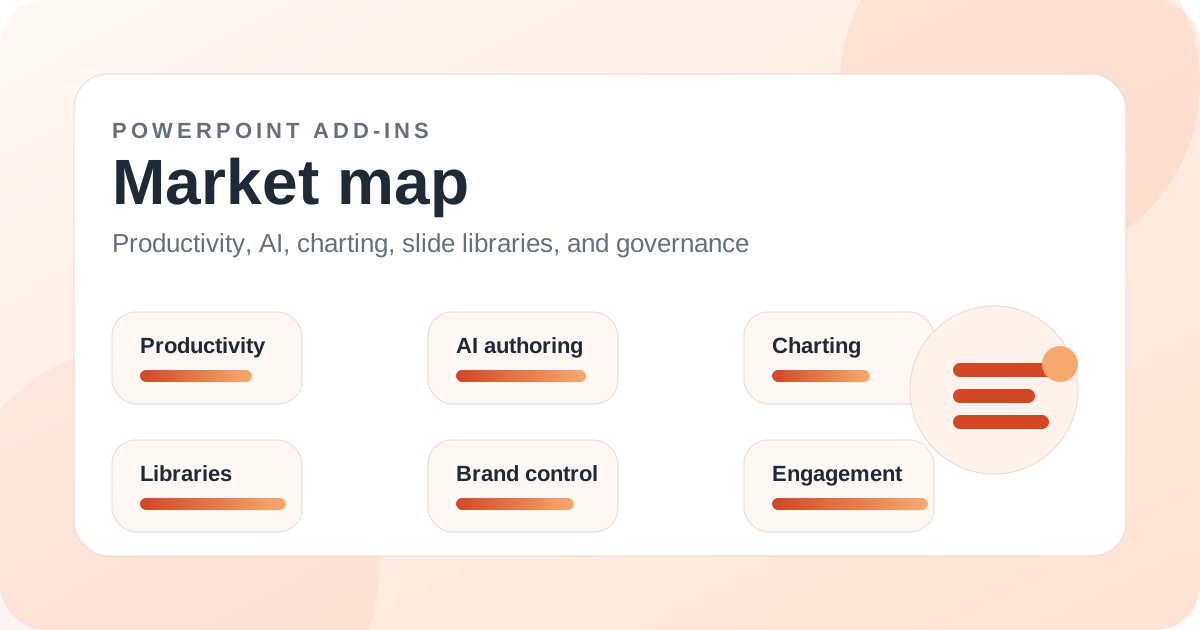
PowerPoint add-ins market map illustration for Best PowerPoint Add-ins for Presentation Designers: Faster Layout, Visual Assets, and Deck QA

Introduction

Presentation designers need a different kind of PowerPoint add-in stack. They do not only need faster slides. They need precision, reusable visual systems, better asset access, file hygiene, layout control, and tools that reduce the friction of production without flattening the creative process.

For designers, the most useful PowerPoint add-ins often combine asset libraries, alignment tools, slide inspection, imagery sources, icon systems, charting helpers, and export utilities. MLC PowerPoint Add-in, BrightSlide, Slidewise, Noun Project, Adobe Stock, Adobe Creative Cloud, Pickit, Build-a-Graphic, Vizzlo, PPTools Image Export, and SimpleDim all matter in different contexts.

MLC is a strong broad option because it gives designers and high-output slide teams a practical mix of templates, maps, icons, flags, images, and production utilities. Specialist tools then fill gaps around inspection, free layout cleanup, media access, export, or measured diagrams.

Key takeaways

  • Presentation designers should evaluate add-ins around precision, assets, repeatability, and deck QA.
  • MLC is a strong broad production add-in for designers who need reusable visual assets and everyday PowerPoint helpers.
  • BrightSlide is valuable as a free layout and cleanup utility.
  • Slidewise is useful for inspecting hidden content, large media, fonts, and file structure.
  • Noun Project, Adobe Stock, Pickit, and Adobe Creative Cloud help with asset sourcing and approved imagery.
  • The best designer stack should speed up production without reducing visual judgment.

What presentation designers need from add-ins

Designers spend time on details that casual users may not notice: spacing, alignment, shape consistency, image treatment, icon style, file size, font behavior, and export quality. A good PowerPoint add-in should reduce repetitive labor while leaving the designer in control.

The danger is using tools that generate generic output. Designers need helpers, not replacements. The best add-ins make precise work easier and make common assets faster to reuse.

MLC as a broad design-production layer

MLC PowerPoint Add-in is useful for designers because it gives them a broad set of practical building blocks inside PowerPoint. Templates, maps, flags, icons, images, and formatting utilities can reduce the amount of time spent searching outside the deck.

It is especially valuable for designers who produce a lot of business slides, consulting-style visuals, training decks, or client-facing assets where speed and consistency both matter.

BrightSlide and precision layout work

BrightSlide remains one of the best free add-ins for layout cleanup and precision work. It is useful when the goal is to move faster through ordinary formatting, alignment, and spacing tasks.

Because it is free, it is easy to test in a designer workflow. It will not replace a broad production suite, but it can become a reliable utility for daily slide craft.

Slidewise and deck QA

Slidewise belongs in a designer stack because presentation design is not only about visible pixels. Hidden media, oversized images, substituted fonts, linked files, and repeated assets can all damage file quality or create delivery problems.

For agencies and designers working with inherited client decks, inspection tools can save hours. They help find why a file is bloated, fragile, or behaving unpredictably.

Visual asset add-ins for designers

Noun Project, Adobe Stock, Adobe Creative Cloud, Pickit, Pexels, Pixabay, Build-a-Graphic, and BioRender all serve asset needs. The right choice depends on whether the designer needs licensed imagery, internal approved assets, generic icons, scientific visuals, or editable infographics.

Asset quality matters more than asset quantity. A huge library is not useful if the style does not fit the deck. Designers should choose libraries that match the visual language they use most often.

Recommended designer stack

Use MLC as a broad asset and production layer. Add BrightSlide for free precision cleanup. Add Slidewise for deck inspection. Add Adobe Stock, Pickit, Noun Project, or Adobe Creative Cloud based on asset needs. Add PPTools Image Export if slide image output is frequent.

The best PowerPoint add-ins for designers are the ones that remove mechanical friction while preserving creative control.

Related add-ins

Products mentioned in this article

MLC Presentation Design Consulting

MLC PowerPoint Add-in

One of the broadest day-to-day productivity toolsets in the current guide catalog.

BrightCarbon

BrightSlide

Still one of the best no-cost ways to improve everyday PowerPoint precision work.

Neuxpower

Slidewise

A valuable specialist for advanced deck QA and cleanup, especially when file hygiene matters as much as slide creation speed.

The Noun Project

Noun Project for PowerPoint

A valuable visual asset add-in when icon consistency and speed matter more than general productivity tooling.

Adobe

Adobe Stock Add-in for Microsoft PowerPoint

A high-quality visual asset add-in for teams with Adobe Stock workflows and licensing requirements.