Microsoft AppSource15 min read

Marketplace guide

Best Microsoft AppSource PowerPoint Add-ins: How to Navigate the Marketplace

A guide to Microsoft AppSource PowerPoint add-ins, explaining marketplace signals, ratings, categories, installation, and how to shortlist useful tools without getting lost.

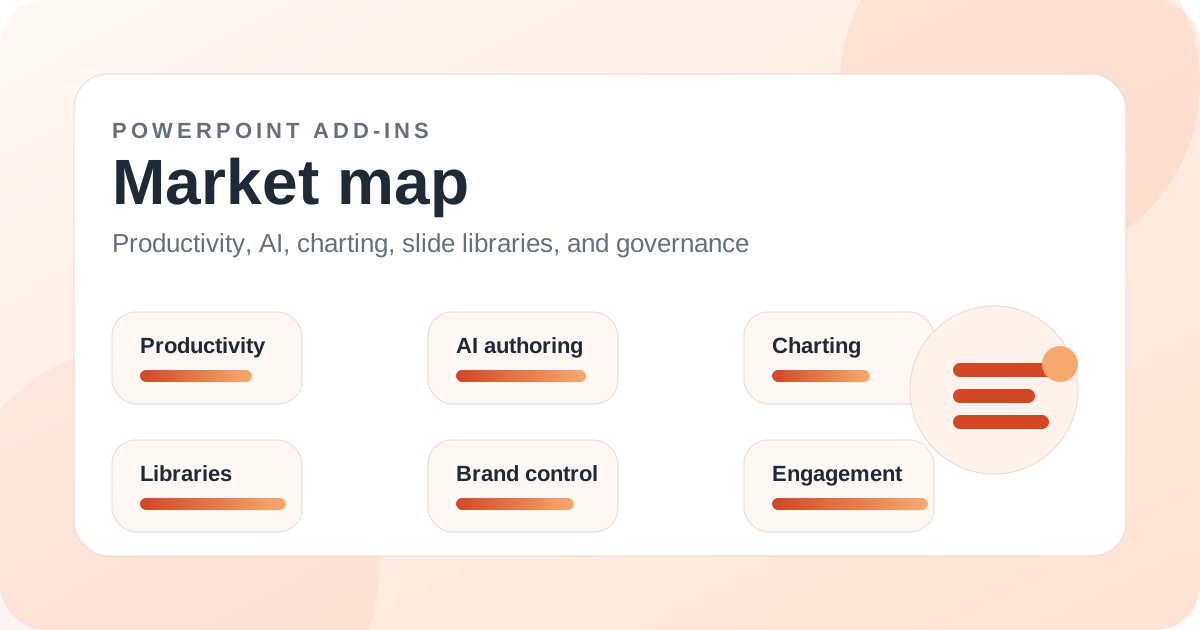
PowerPoint add-ins market map illustration for Best Microsoft AppSource PowerPoint Add-ins: How to Navigate the Marketplace

Introduction

Microsoft AppSource is one of the main discovery channels for PowerPoint add-ins, but it is not always easy to navigate. Marketplace listings mix broad productivity tools, AI assistants, free utilities, polling tools, stock image add-ins, data connectors, accessibility tools, and highly specific classroom helpers.

A buyer who searches AppSource for PowerPoint add-ins can quickly find dozens of options, but the marketplace does not automatically explain which tools solve which workflow. A five-star timer utility and an enterprise slide library are not comparable even if they both appear in the same marketplace.

This guide explains how to read AppSource listings, what signals matter, what signals can mislead, and which categories of PowerPoint add-ins are especially visible in the marketplace.

Key takeaways

  • Microsoft AppSource is useful for discovery, but buyers should sort add-ins by workflow category before comparing them.
  • Marketplace ratings are helpful signals but not equivalent to full product evaluation.
  • AppSource is especially strong for Microsoft 365 web add-ins, AI assistants, engagement tools, visual asset tools, and lightweight utilities.
  • Deep desktop productivity add-ins may have a separate vendor site even when they also appear in Microsoft marketplaces.
  • Datawrapper, Forms, Wooclap, PhET Sims, SlideEgg, Adobe tools, and many AI assistants are examples of AppSource-visible tools.
  • The best AppSource shortlist starts with the job to be done, not the rating alone.

Why AppSource is useful but noisy

AppSource is useful because it centralizes Microsoft 365 add-in discovery and often shows compatibility, ratings, publisher details, and installation paths. It is a natural starting point for teams that prefer Microsoft-managed add-in discovery.

It is noisy because add-ins with completely different jobs sit side by side. A grammar checker, timer, AI writer, BI connector, and slide library may all be called PowerPoint add-ins, but they should not be evaluated with the same criteria.

How to read ratings and reviews

Ratings can reveal adoption and friction, but they need context. A lightweight free add-in may have many casual reviews, while an enterprise product may have fewer public ratings because it is sold through direct contracts. A mixed rating may reflect old compatibility issues rather than current product quality.

Use ratings as a signal, not a decision. Always check the official vendor site, support docs, update history, security information, and whether the add-in matches the intended workflow.

Strong AppSource categories

AppSource is especially useful for discovering lightweight Microsoft 365 add-ins: Forms, Wooclap, Datawrapper, PhET Sims, SlideEgg, Web Video Player, Timer for PowerPoint, Pexels, Pixabay, Emoji Keyboard, Scribens, Antidote, and AI assistants such as AI Perfect Assistant, Autopilot, and Ghostwriter.

It is also a good place to verify whether an add-in claims support for Mac, web, iPad, or Microsoft 365 contexts. That compatibility information should be cross-checked with vendor documentation before rollout.

When vendor sites matter more than AppSource

Many serious PowerPoint add-ins have richer information on vendor sites than on marketplace listings. MLC, PPT Productivity, Macabacus, think-cell, UpSlide, TeamSlide, Templafy, and empower all need deeper evaluation than a marketplace card can provide.

Vendor pages often explain use cases, deployment, pricing, support, and feature depth more clearly. Marketplace discovery should lead to vendor research, not replace it.

How to build a shortlist from AppSource

Start with the workflow category: AI drafting, polling, slide library, charting, visual assets, writing assistance, timers, education, BI, or PDF/signature workflows. Then compare only tools inside that category.

After that, check compatibility, ratings, vendor credibility, data permissions, and whether the add-in has documentation. A small utility can be a good choice if it solves one job cleanly.

Recommended AppSource discovery approach

Use AppSource as the discovery layer and this guide as the categorization layer. The marketplace shows what exists; a workflow-based guide explains what each add-in is actually for.

The best Microsoft AppSource PowerPoint add-ins are not one universal list. They are the right tools for the right job: engagement, AI, visuals, reporting, education, productivity, or governance.

Related add-ins

Products mentioned in this article

Datawrapper

Datawrapper: Charts, Maps, and Tables

One of the strongest data-storytelling additions for teams needing charts and maps that go beyond native PowerPoint.

Microsoft

Forms for PowerPoint

A natural first option for Microsoft 365 users who only need basic form-based interaction inside PowerPoint.

Wooclap

Wooclap

A strong education and training engagement tool that broadens the PowerPoint add-ins market beyond pure productivity.

PhET Interactive Simulations

PhET Sims - Science / Math

A strong specialist add-in for STEM education, and an important non-business segment of the PowerPoint add-ins market.

Deckzi Solutions

SlideEgg

A template-market add-in for users who prioritize visual starting points over workflow automation.